Tagging Metrics
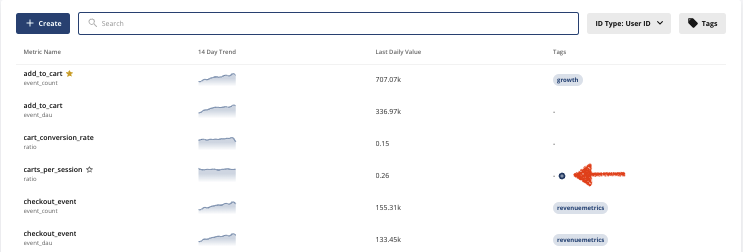
To create a metric tag, click on Metrics in the left hand navigation menu, and click on the Metrics Catalog tab.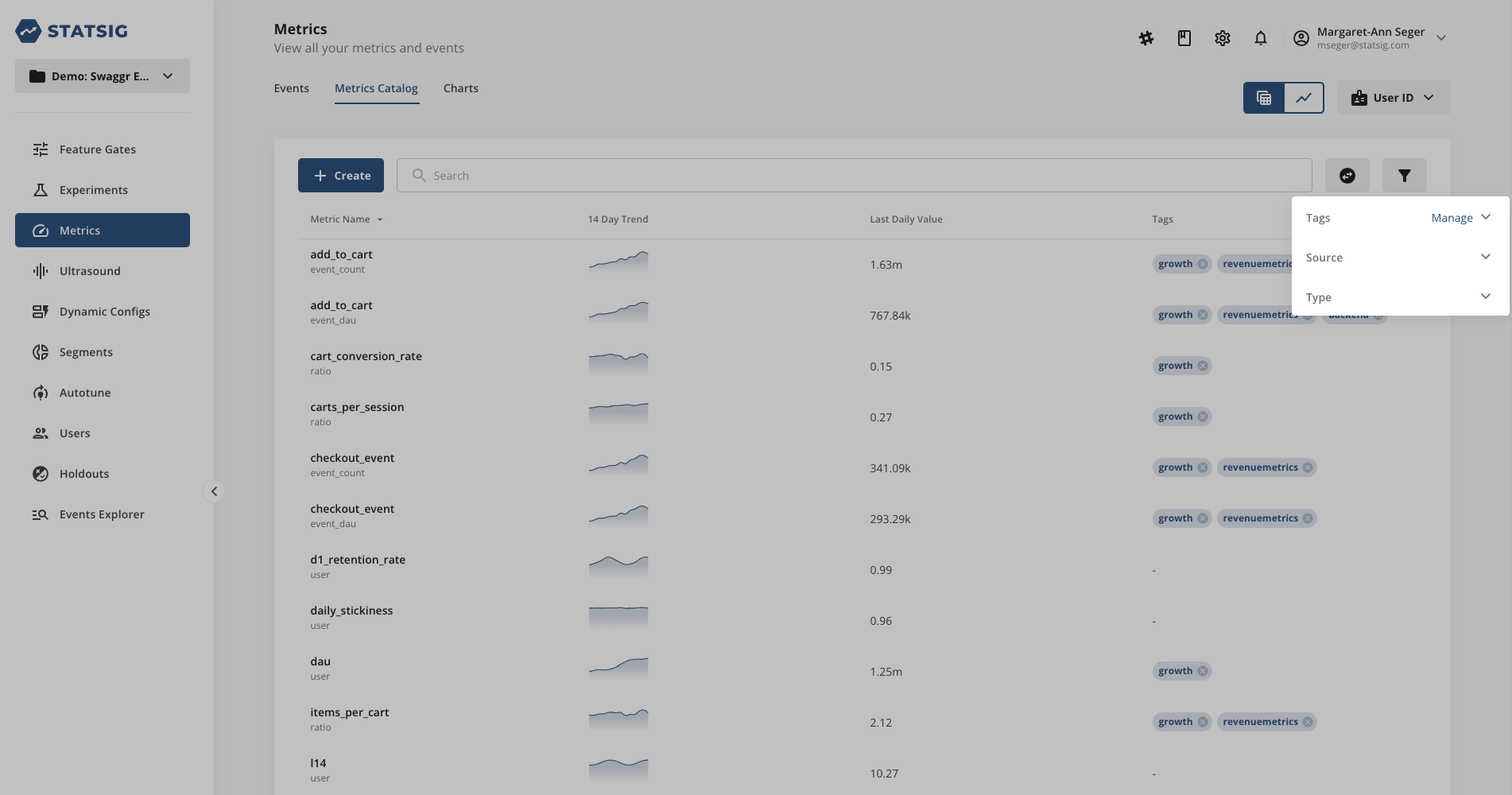
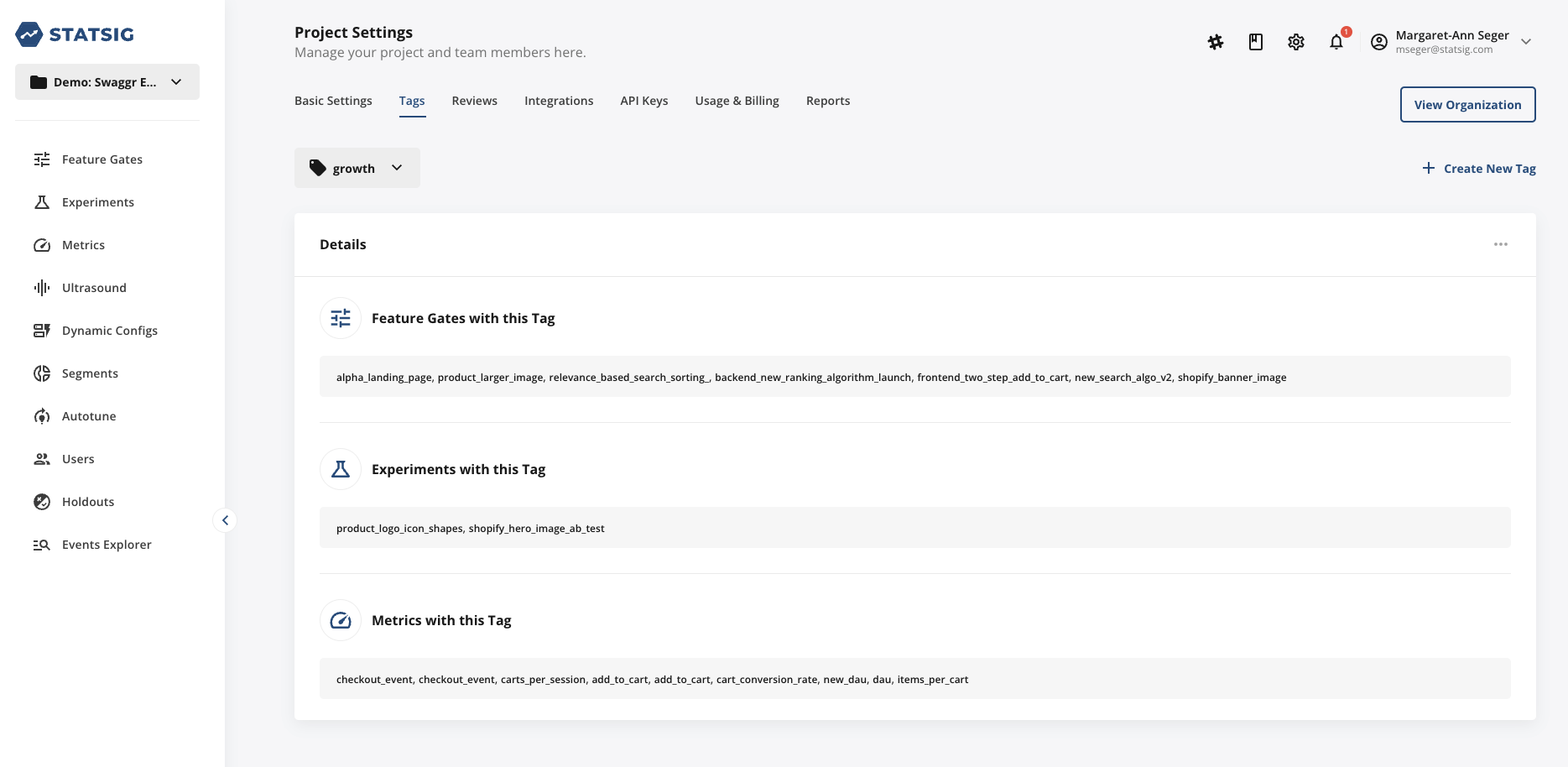
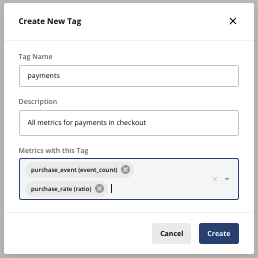
Core Tag
As part of every Statsig Project, a Core tag is auto-created and pre-populated with a subset of your app’s User Metrics. User Metrics are a suite of classic growth metrics, such as MAU, WAU, DAU, L7, 28d retention, etc. that Statsig calculates daily based on your logged events. The following User Metrics are added to the Core tag by default (though you can remove them or swap them for other, more relevant business metrics as needed):- DAU/ WAU/ MAU
- New users
- Daily/ Weekly/ Monthly user stickiness
Configuring your Core Metrics
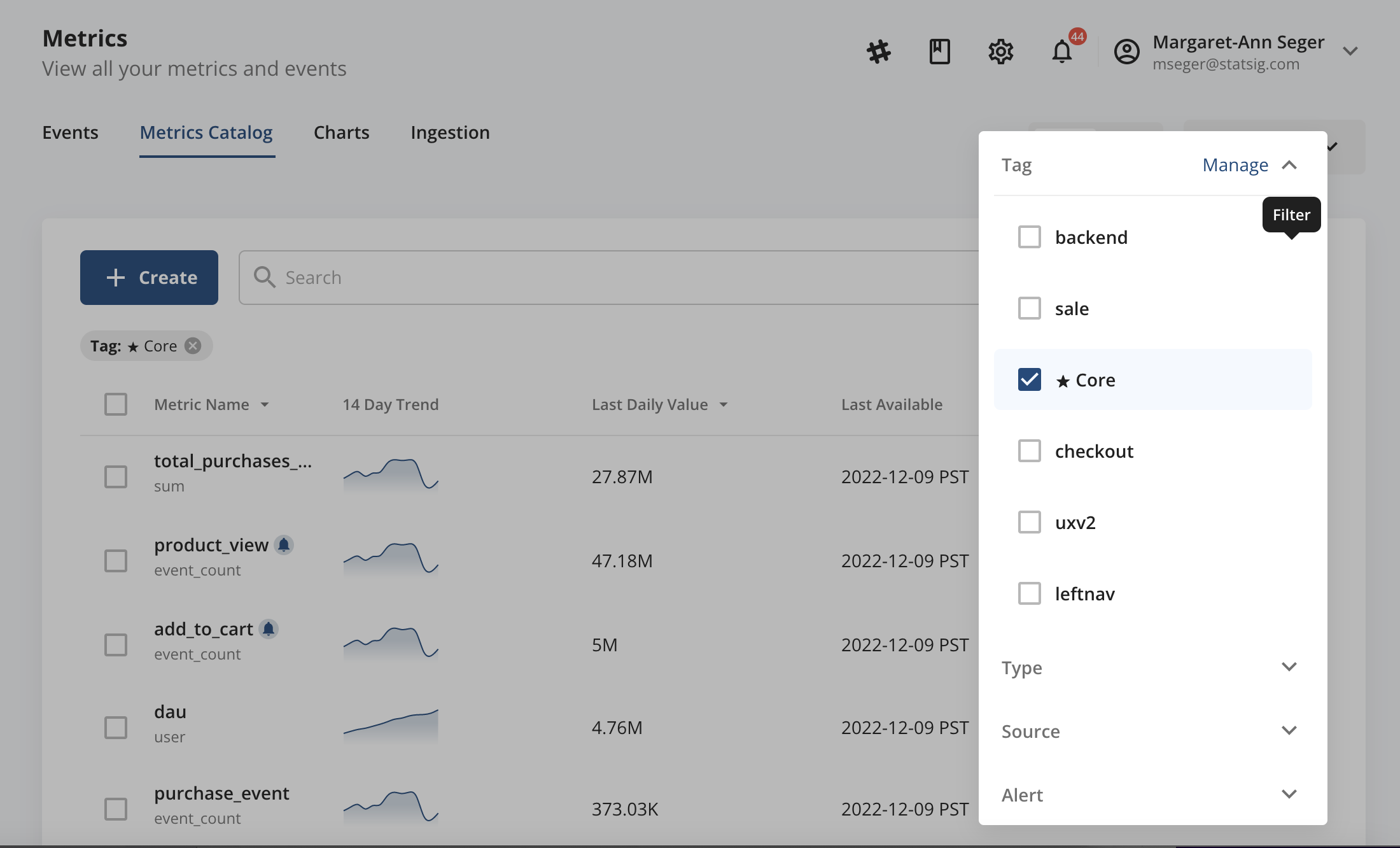
Given the special treatment the Core tag receives, it is recommended to spend a bit of time curating the set of metrics included in this tag collection at Project set-up. To do this, go to Metrics → Metrics Catalog and add the Core tag to any relevant metrics. To see which metrics already have the Core tag applied, filter by the Core tag in the Metrics Catalog by tapping the filter icon in the upper right-hand corner, then Tags, then selecting the Core tag. Remove the Core tag from any unwanted metrics in the resulting filtered listview.