

The Pulse Engine
Statsig’s experimentation engine runs the necessary setup, diagnostics, and transformations required to generate the data points that power statistical experiment analysis. In Warehouse Native, this consists of a series of query jobs (referred to as a DAG, or Directed Acyclic Graph) that take data from your sources and metric configurations to a final result set. Controls for reloads are available on the pulse results page: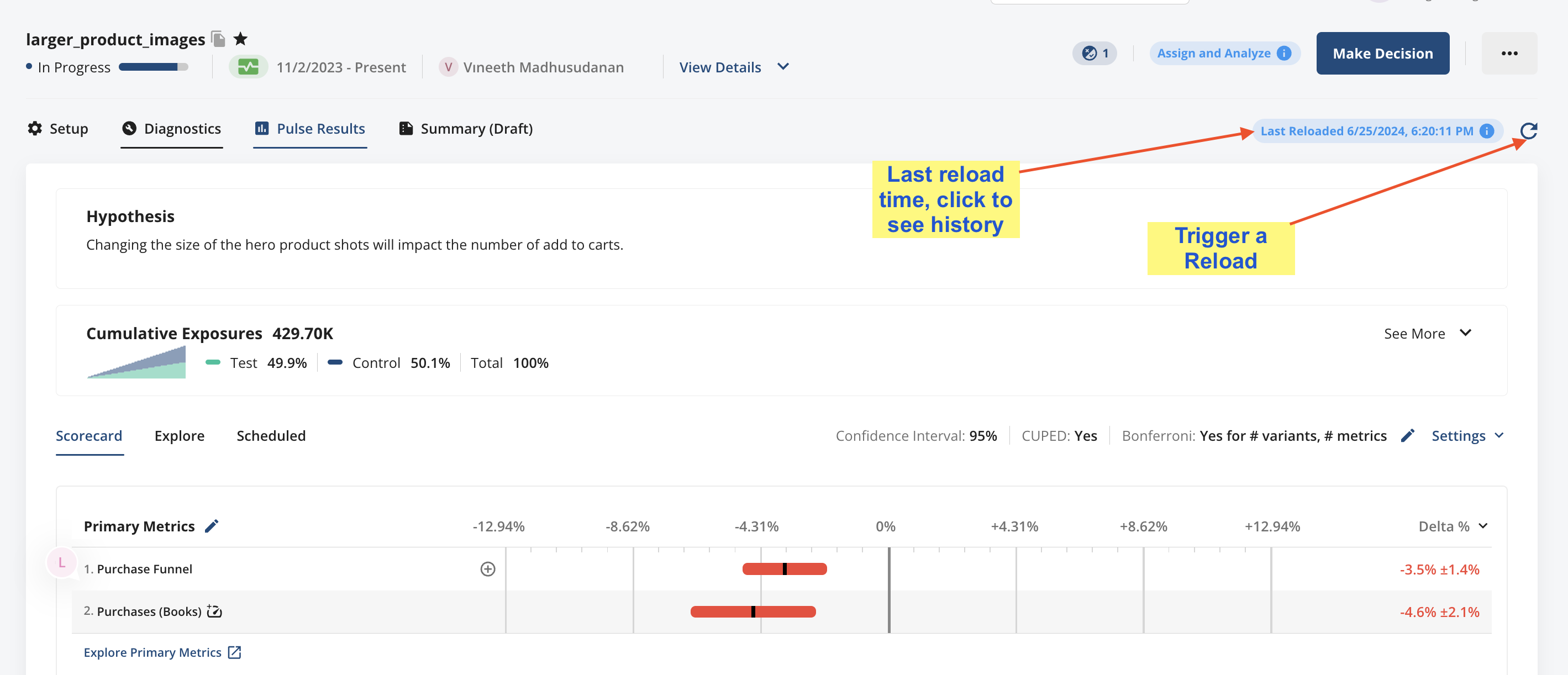
Types of Reloads
Statsig offers a number of ways to reload data:- Full Reloads completely restate your experiment data. This can be useful if your underlying data changes a lot (e.g. a full DBT reload) day-to-day, and you want to ensure your analysis matches your raw data
- Incremental Reloads catch your data up from where it was the last load to where it is today. Running daily incremental reloads is the recommended way to keep your data current without using unnecessary compute resources to recalculate data that hasn’t changed.
- Metric Reloads are a useful feature for when you want to add a metric to an analysis, or when a metric definition has changed. This does an efficient spot replacement of the data for a single metric or set of metrics.